Keep your classes in view.
Log when you teach which plan at which studio. Set up recurring classes once, and a private link puts everything in your phone calendar.
From tier M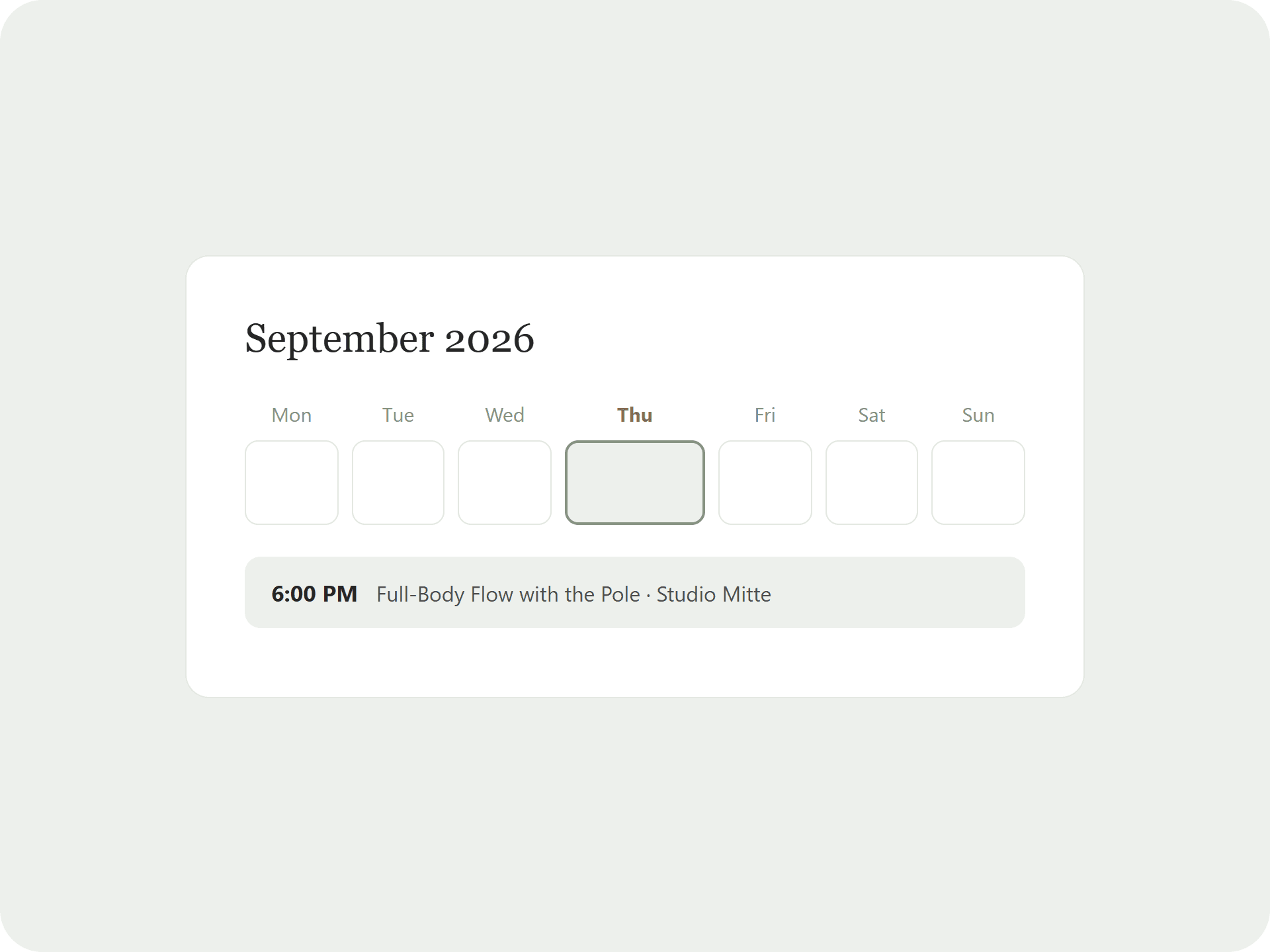
What the calendar does
Class, plan and studio
Every entry with time, studio, class plan and a note.
Recurring classes
Set up your Thursday class once as a weekly series.
In your phone calendar
Subscribe in iPhone, Google or Outlook; changes arrive within one to two hours.
Classes, studios and plans in one view
Example week with real class plans.
Before and after
Without Pilates Plans
- Dates in one app, classes in another
- Which plan for which class? Nowhere to be found
- Entering recurring classes every week
With Pilates Plans
- Date, studio and plan together
- Weekly series set up once
- Everything in your usual phone calendar
How it works
Add a class
Pick date, time, studio and plan, once or weekly.
Subscribe
Add the private link to your phone calendar once.
Log the headcount
After class, note how many people came.
The details
- Month and week view
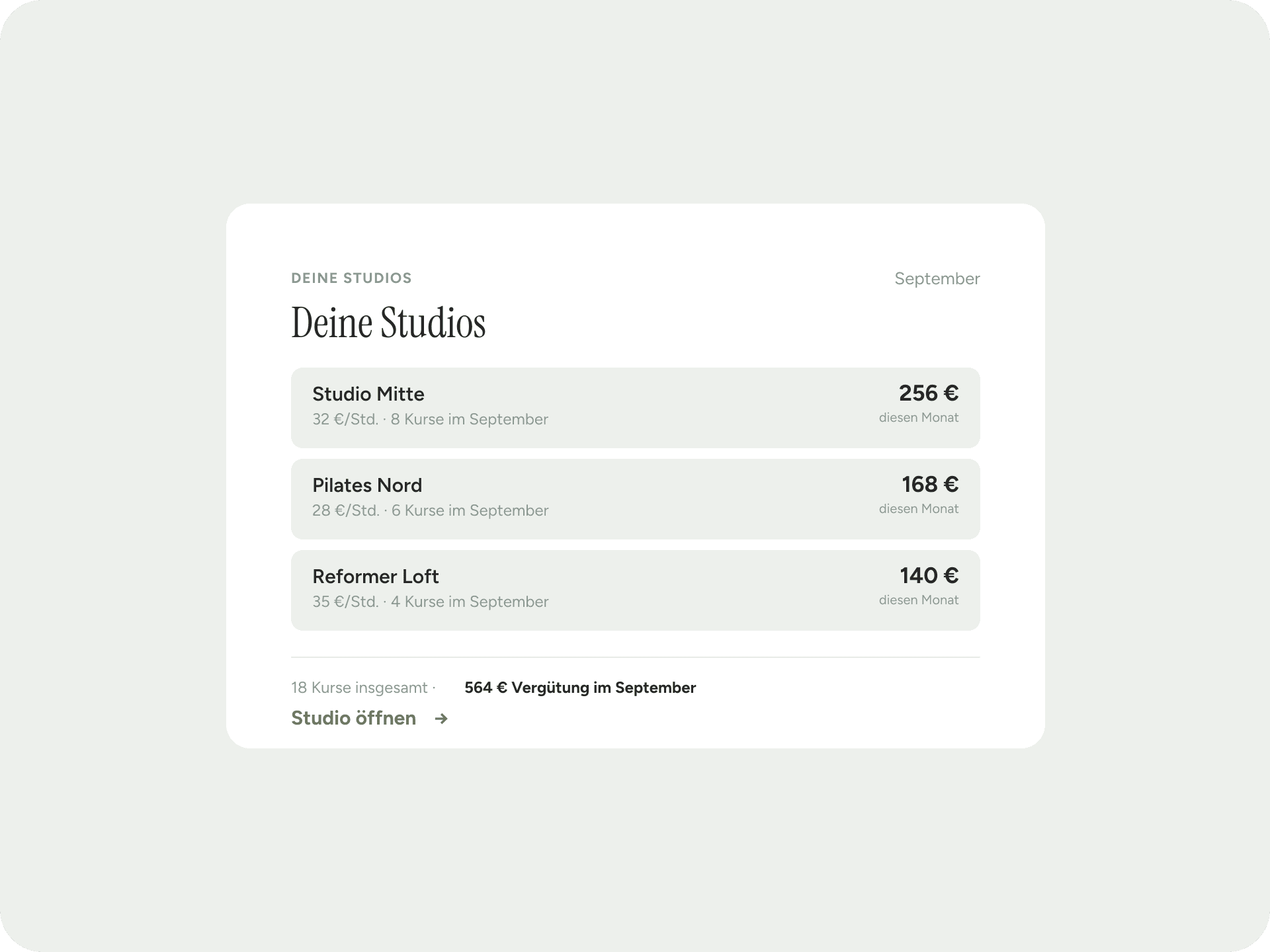
- Studio from your studio management or as free text; the location goes into the entry
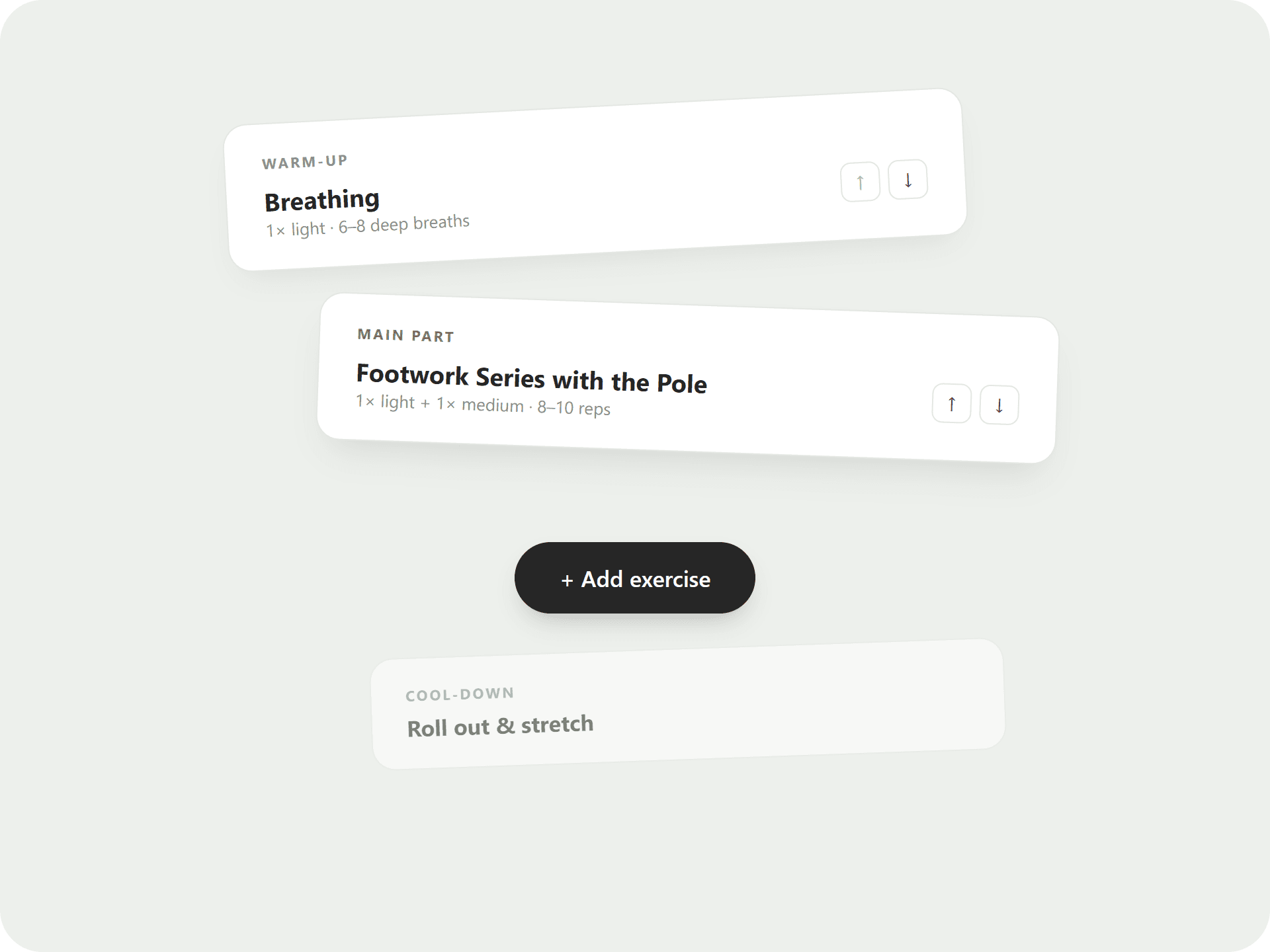
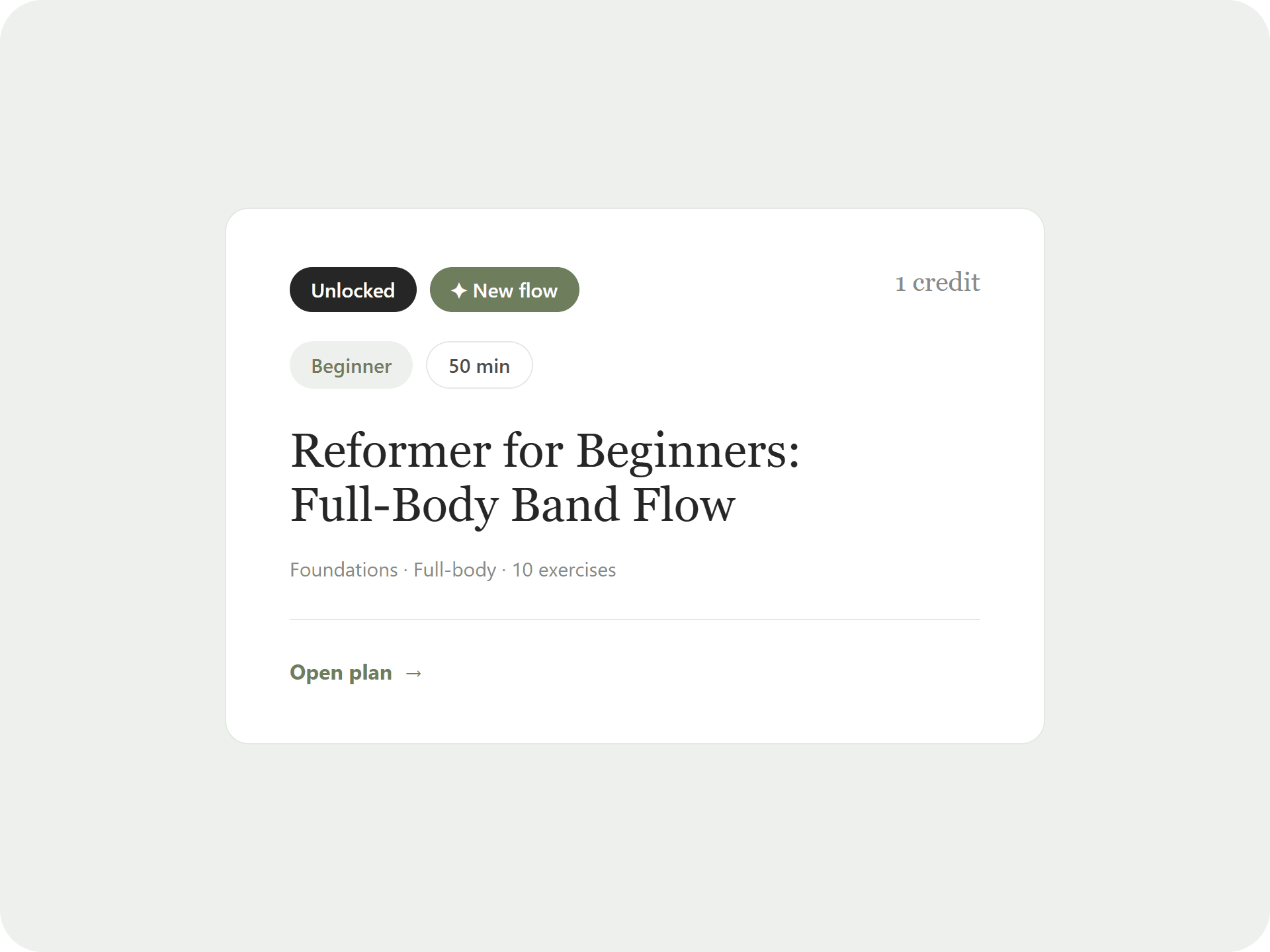
- Plan from your unlocked or your own plans
- Weekly series you can end with or without the upcoming classes
- The subscription link is private and can be regenerated at any time. Door codes and contracts never appear in the feed
- From tier M
“The best help for class prep. Practical, safe and thought through to the last detail.”
Class planning without a second tool
Many instructors teach at several studios at changing times. They keep the schedule in one app, the classes in another and the studios on a note.
The calendar sits right next to your plans and studios. You see which class runs when, and still have every entry in your usual phone calendar.
Which calendars does the subscription work with?
Any calendar that can subscribe via a link, such as iPhone, Google Calendar and Outlook.
How quickly do changes show up?
Most calendar apps pick up changes within one to two hours.
Which tier do I need?
The calendar is included from tier M, together with the plan builder and studio management.
What happens to the subscription if I cancel?
The link stops working and your calendar no longer shows new entries.
Your next class is already written.
Look at the free plan or start the membership straight away. Cancel monthly, 14-day money back.