Teach your reformer class straight from your phone.
Tap “Teaching mode” and the class runs step by step: dark screen, large type, one step per page. No scrolling, no searching, no notes to hold.
Included in every tier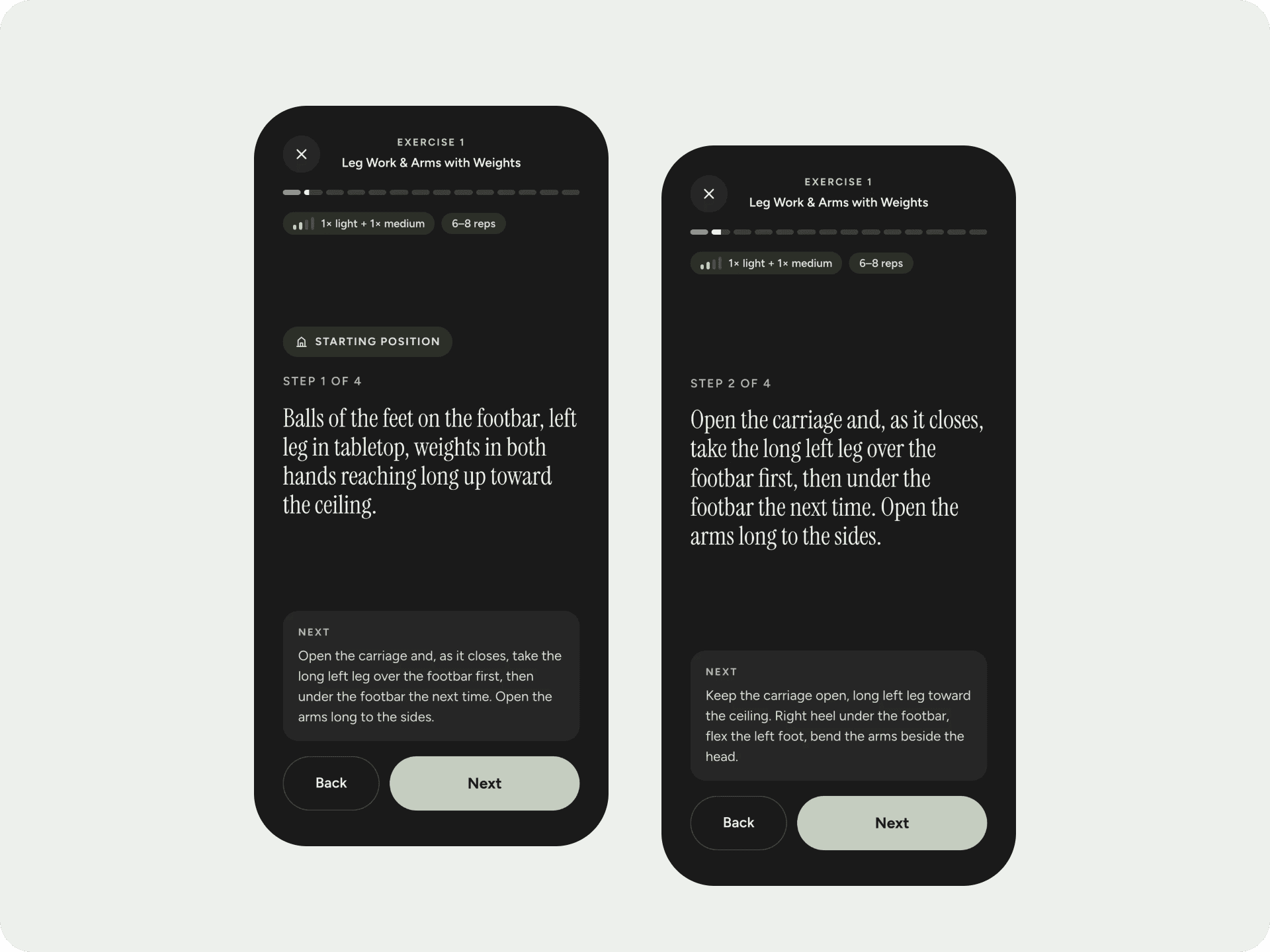
What teaching mode takes off your plate
Readable at a distance
Dark screen and large type. A quick glance at the reformer tells you the next step.
Springs and reps in view
Every step shows its spring and reps, plus “Step 2 of 5”.
Always know what’s next
The next step is previewed at the bottom. Transitions are flagged so the group never waits.
The screen stays on
While teaching mode runs, your screen won’t switch off, as long as your browser supports it.
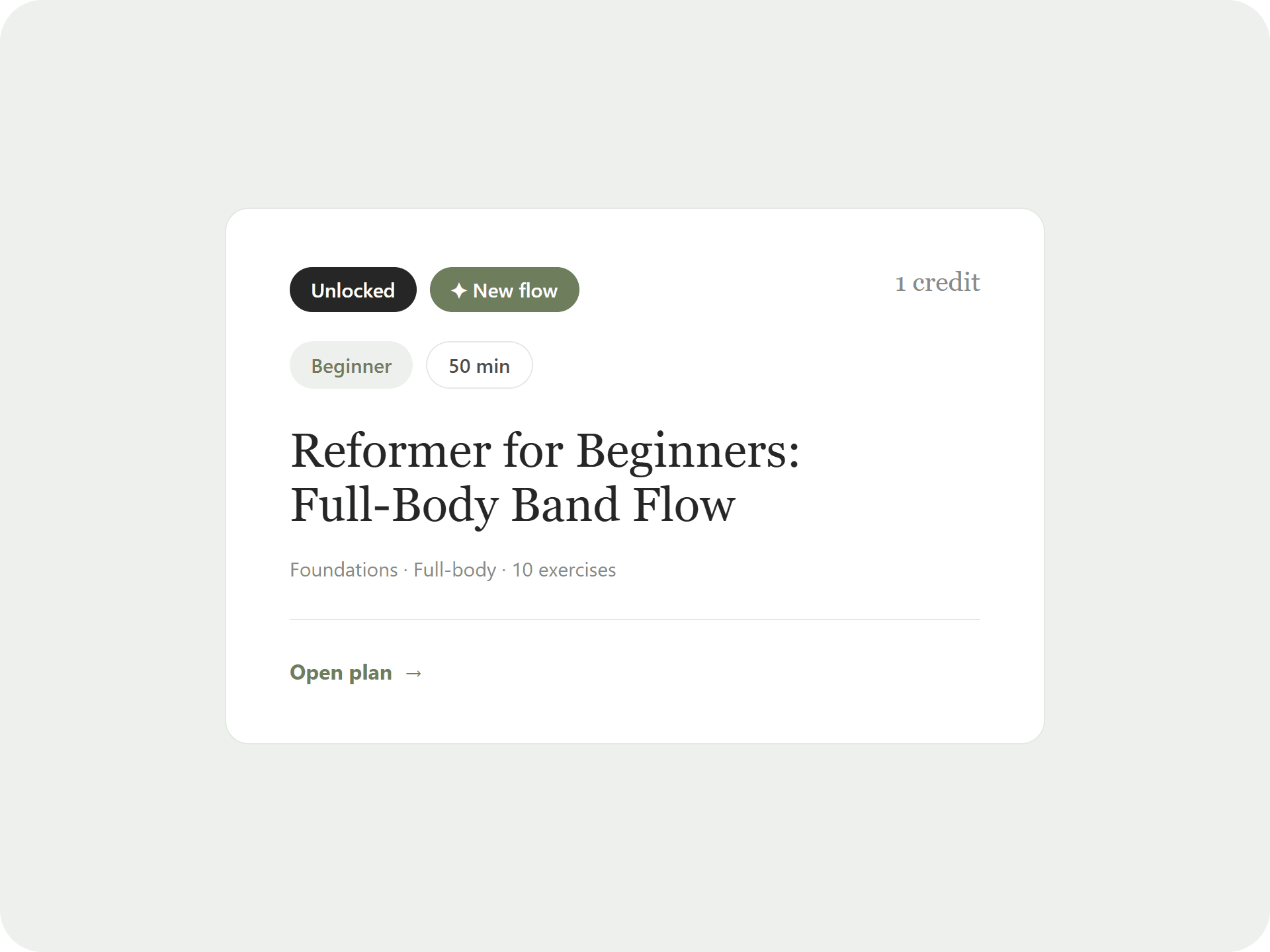
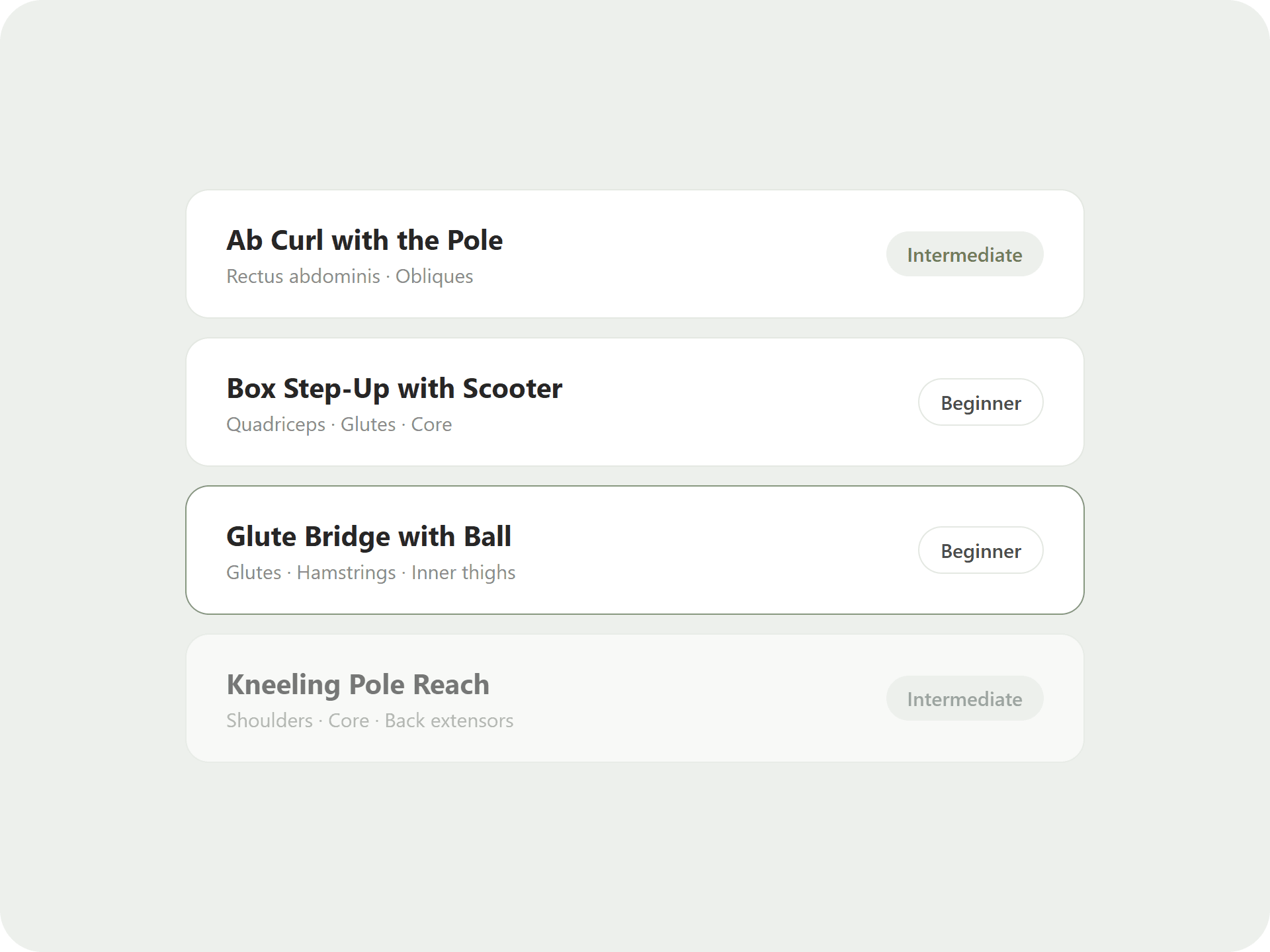
From the class overview to a single step
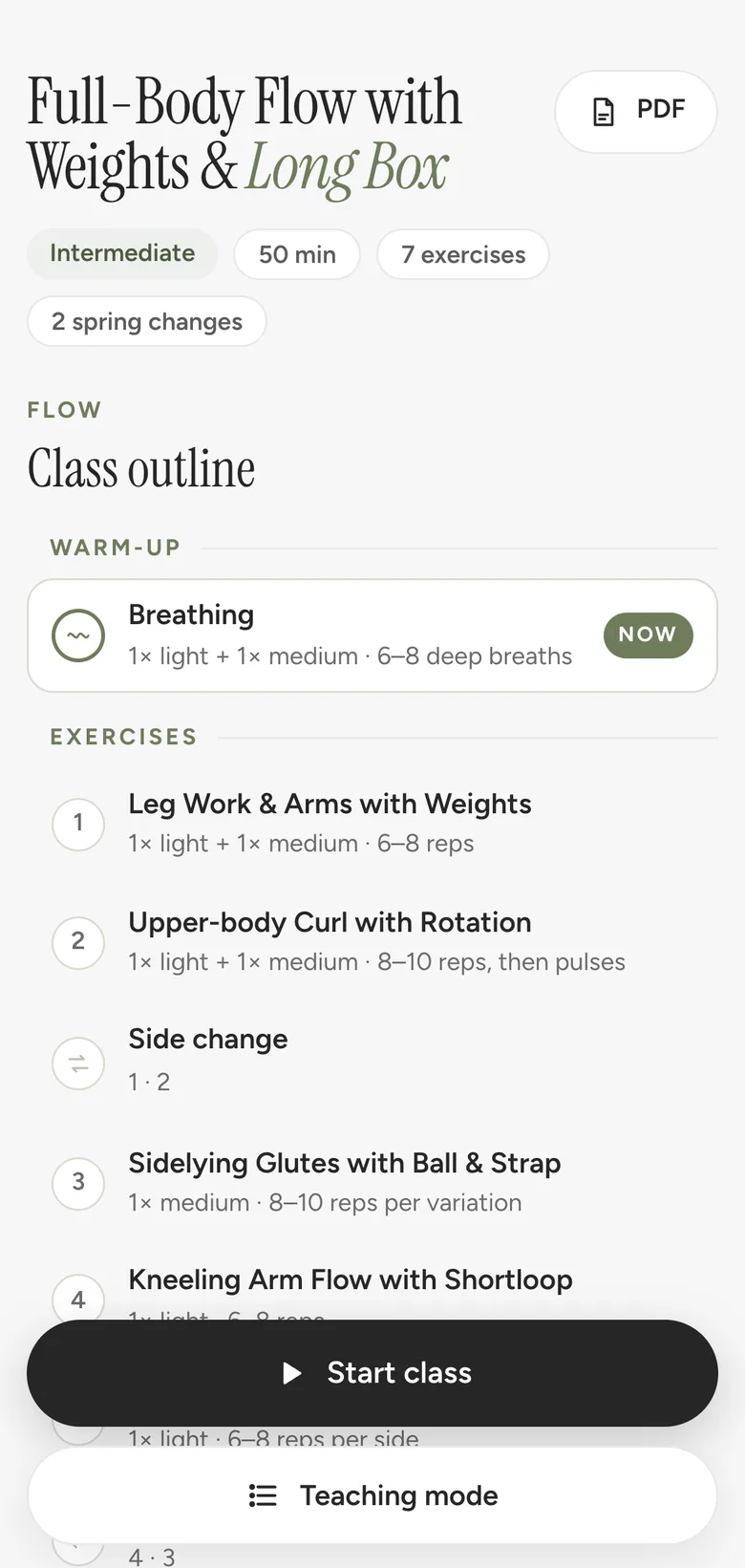
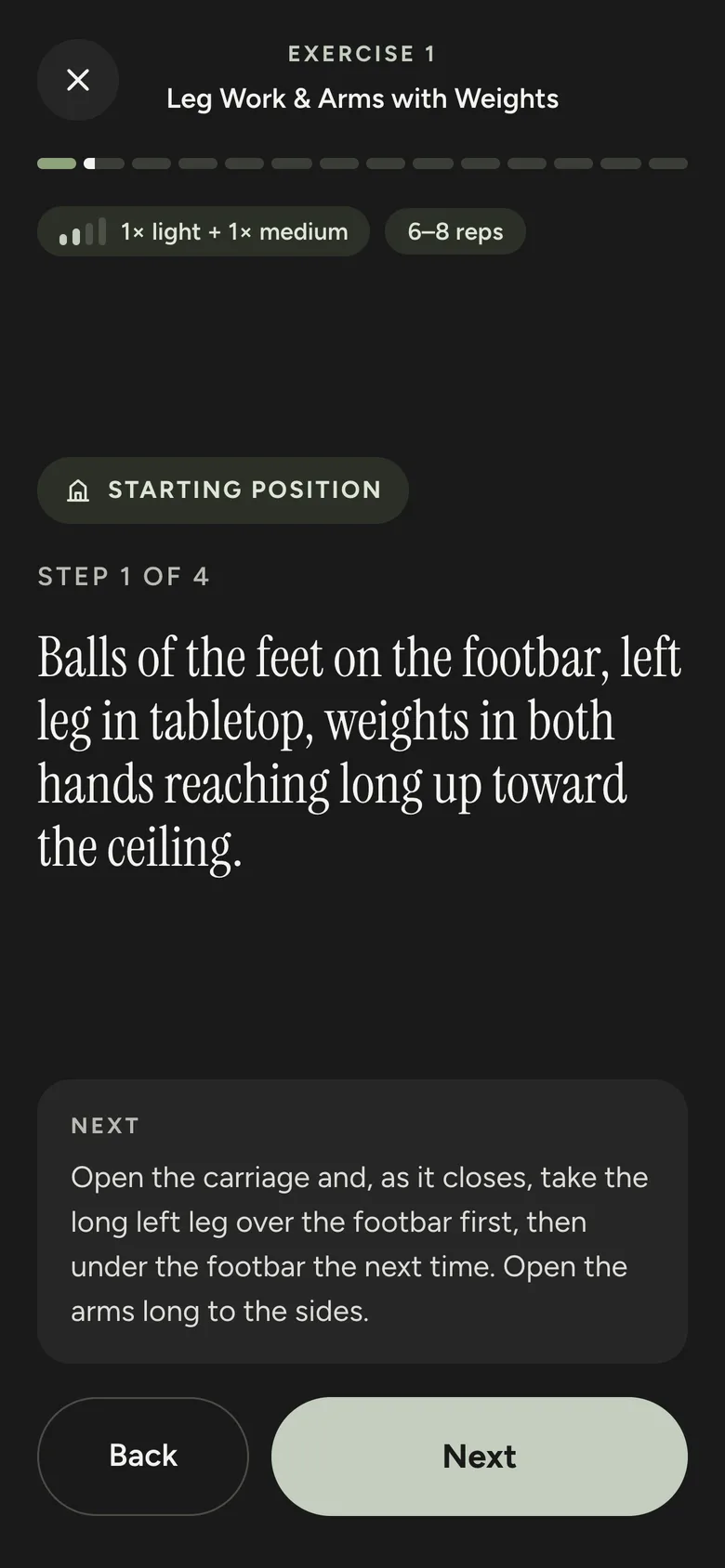
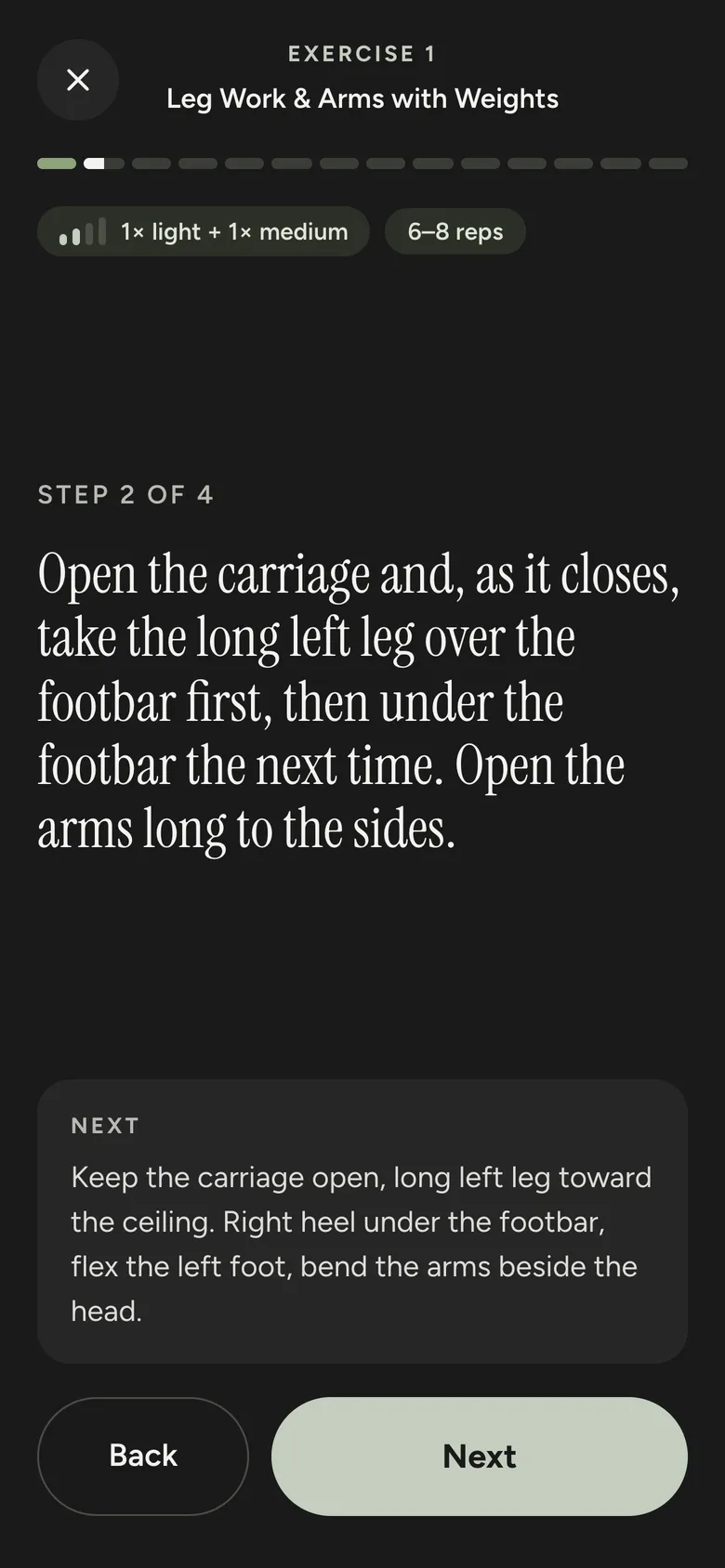
Real screens from the free class plan.
Before and after
Without Pilates Plans
- Printout on the floor or the window sill
- Scrolling long pages on your phone
- Screen switches off mid-exercise
With Pilates Plans
- One step per screen, readable at a distance
- Next step already visible below
- Screen stays on until class is over
How it works
Open the plan
In your phone’s browser, no app needed.
Start teaching mode
One tap and the class starts with the first starting position.
Tap through
Use “Next” and “Back” to move through the class. Arrow keys work on a laptop.
The details
- One step per screen: the starting position first, then every step of the exercise
- Progress bar with one segment per exercise
- Side changes as their own steps, left and right already mirrored
- Transitions flagged separately
- Your progress is saved on the device, so you can pick up where you left off
- Included in every class plan, the free plan too
“Finally more free time after work! The class plans are brilliantly structured and bring fresh energy to my classes.”
Why teach from your phone?
A printed class plan usually ends up on the floor, and on a phone you scroll through long pages. Both take attention away from your group.
Teaching mode shows only what you need to say right now. The phone sits by the reformer, one glance is enough, and you are back with your group.
Do I need an app?
No. Teaching mode runs in the browser on your phone, tablet or laptop.
Can I try teaching mode first?
Yes. It is part of the free class plan, which you unlock with just your email address.
Does it work offline?
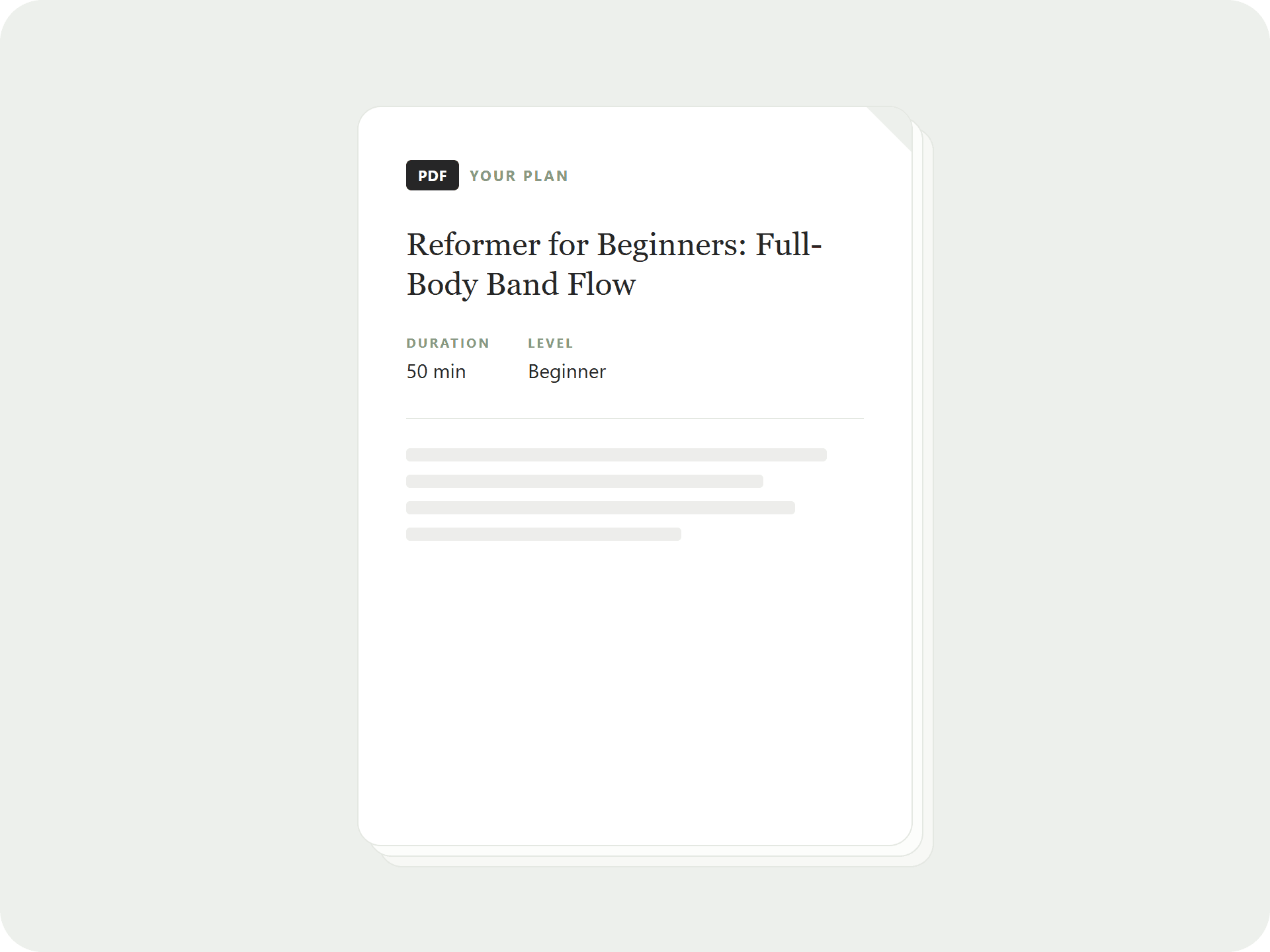
The plan needs to load once. For studios without reception there is also the printable PDF.
Does the screen really stay on?
While teaching mode runs it keeps the screen on, if your browser supports it. Current versions of Safari and Chrome do.
Your next class is already written.
Look at the free plan or start the membership straight away. Cancel monthly, 14-day money back.